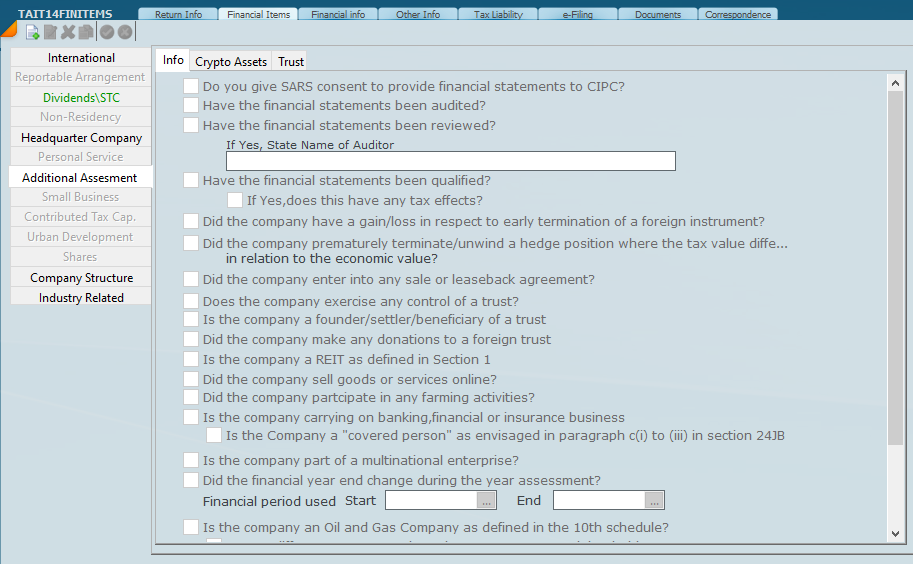
Under Financial Items you will see a check list of items which have to be addressed and on the left hand side you have Menu items that need to be addressed. Some of the menu items will be switched on (show black) when items on the Return Info have been ticked. By clicking on a menu item the screen will display the underlying screen and then it is just a question of entering the relevant information that is required for that screen. For the purpose of this help we are not going to go through each item in detail, as we will just point out some items that are important. If the menu option is green there is data on the screen and if orange there was something last year but not this year.
The purpose of our help screen is to show you where to enter the tax information and not explain all the law implications.
It should be noted each tick is a flag that will allow SARS to verify.
Was this article helpful?
That’s Great!
Thank you for your feedback
Sorry! We couldn't be helpful
Thank you for your feedback
Feedback sent
We appreciate your effort and will try to fix the article